WiFi & Internet Speed in Mukteshwar: A Remote-Work Reality Check
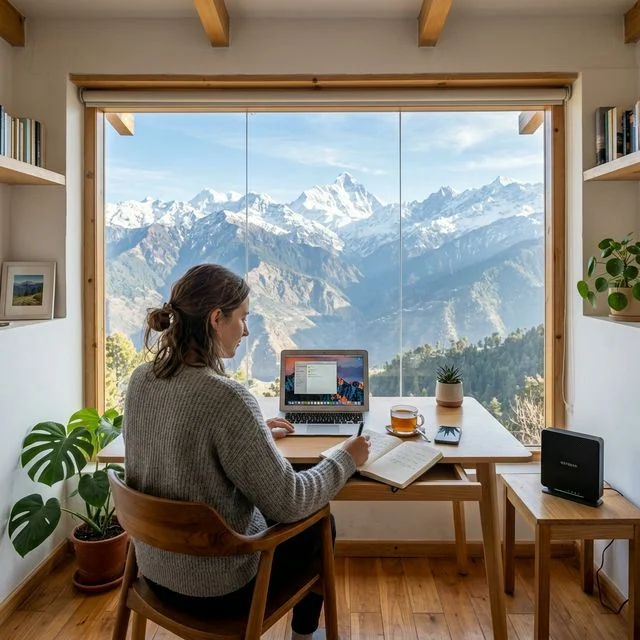
Yes, you can genuinely work from Mukteshwar — if you choose the right base. The destination has workable connectivity in the village core, but "the hills have great internet" and "the hills have no internet" are both wrong. The truth is in between, and it comes down to two things at your specific stay: a reliable connection and power backup. Here's the honest picture from someone who hosts remote workers.
Mobile & WiFi coverage in Mukteshwar
In and around the village, Jio and Airtel are the strongest networks, both offering 4G with 5G expanding. That's enough for a well-configured stay to provide WiFi capable of video calls and normal cloud work. Coverage does drop on isolated ridges, deep in the forest, and in some valley pockets — so connectivity is really a property-by-property question, not a "Mukteshwar" question. Always confirm the network and setup with your host before you rely on it for work.
Realistic internet speeds
- Typical village speed: ~20–50 Mbps over 4G/5G on a good day
- Good for: video calls, email, docs, design tools, most cloud/SaaS work
- Less ideal for: very large uploads, heavy live-streaming, or anything needing guaranteed low latency
- Varies with: weather, time of day, network load, and exact location
Treat it as "solid for knowledge work", not "fibre-grade and guaranteed". A second SIM on a different network is cheap insurance for an important call.
The thing nobody mentions: power backup
The most common way a hill workcation goes wrong isn't slow internet — it's a power cut during a call. Outages happen, especially in winter and the monsoon. A router with no power is no internet, however fast the line. So the real question to ask a stay is not just "do you have WiFi?" but "do you have power backup that keeps the WiFi running during a cut?" If the answer is yes, you can work with confidence.
Ecoescape is set up for exactly this: high-speed 5G WiFi suitable for video calls, plus power backup so a cut doesn't drop your connection — and a sunny terrace and dining area that double as a workspace. See our workcation page for the full remote-work setup.
A workcation packing & planning checklist
- Confirm WiFi and power backup with your host in writing before booking.
- Carry a second SIM (Jio + Airtel covers most gaps).
- Bring a power bank and a small surge protector.
- Schedule your most critical calls for daytime, when networks are most stable.
- Plan walks, sunrises and treks around your work hours — that's the whole point of a hill workcation.
Frequently asked questions
Is there good internet / WiFi in Mukteshwar?
Yes, in the village core. Jio and Airtel both have 4G coverage and 5G is rolling out, so a well-set-up stay can offer WiFi that handles video calls. Coverage thins out on remote ridges and deep in the forest, so it's about choosing the right property rather than the destination as a whole.
Can I take video calls / work remotely from Mukteshwar?
Yes, if your stay has both reliable WiFi and power backup. Video calls work fine on a good connection. The single most important thing is power backup — hill power cuts are common, and an inverter or generator is what keeps you online through them. Always confirm both before booking a workcation.
What internet speed can I expect in Mukteshwar?
On a good day in the village you can expect broadly 20–50 Mbps over 4G/5G, which is comfortable for calls, email, and most cloud work. Speeds vary with weather, network load, and exact location, so treat it as 'solid for knowledge work', not 'fibre-grade and guaranteed'. For mission-critical calls, carry a second SIM as backup.
Planning a workcation?
High-speed 5G WiFi, power backup, and a terrace workspace with mountain views. WhatsApp us and we'll tell you honestly whether our setup fits your work needs.